Scheduling panels
A coordinated Logitech Tap Scheduling deployment across multiple rooms.
See the rollout
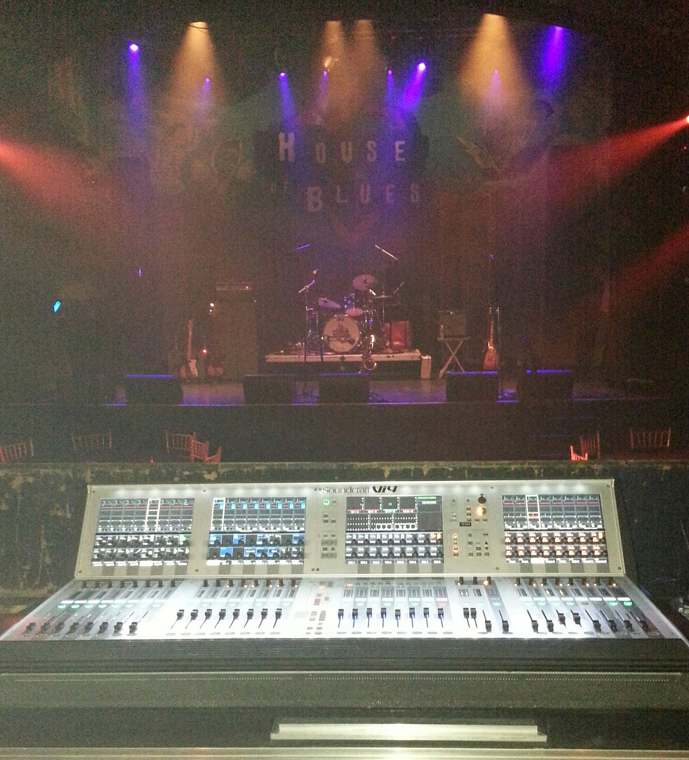
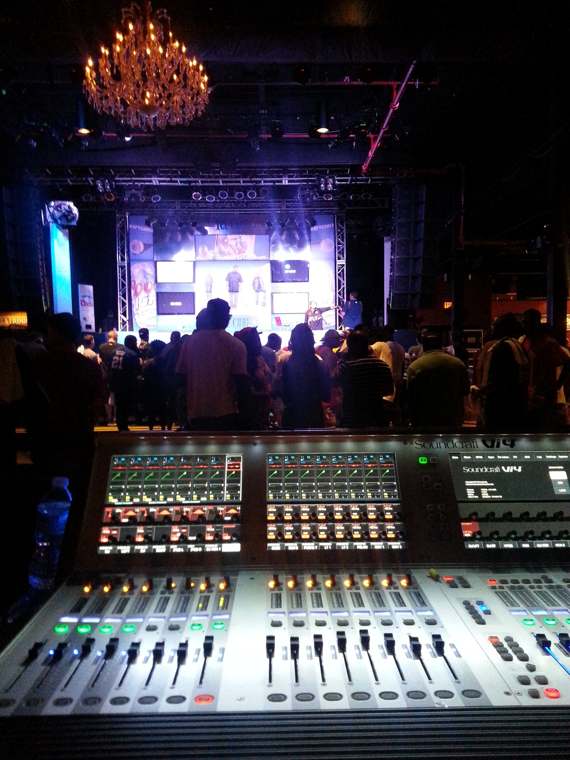
Live sound. Light. Visuals. The people and technology behind an unforgettable experience.
Original GPR event photography: sound console and illuminated stage.
GPR brings displays, sound, conferencing, control and infrastructure together. From executive rooms to learning environments and live events, we connect the system to the people using it.
Meet the capabilities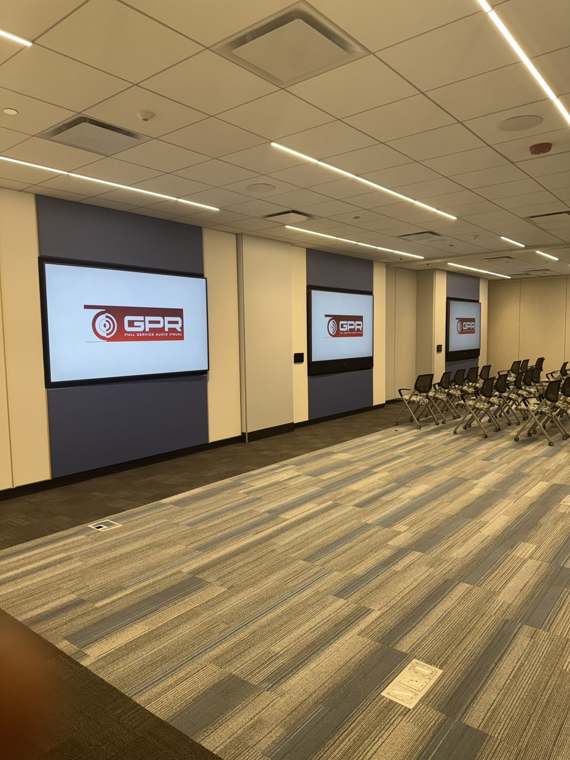
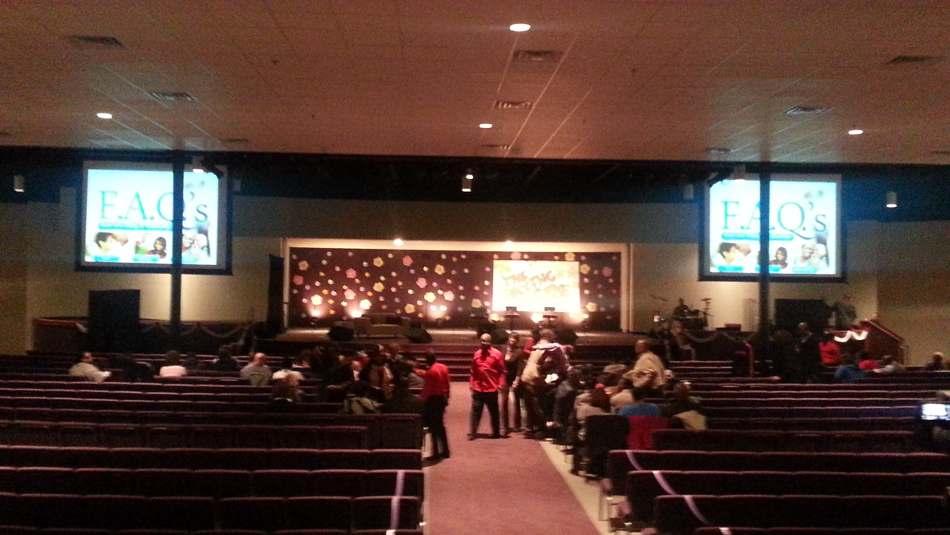
See how the seating, screens and presentation position fit together. Our original integration photographs put the technology in context.
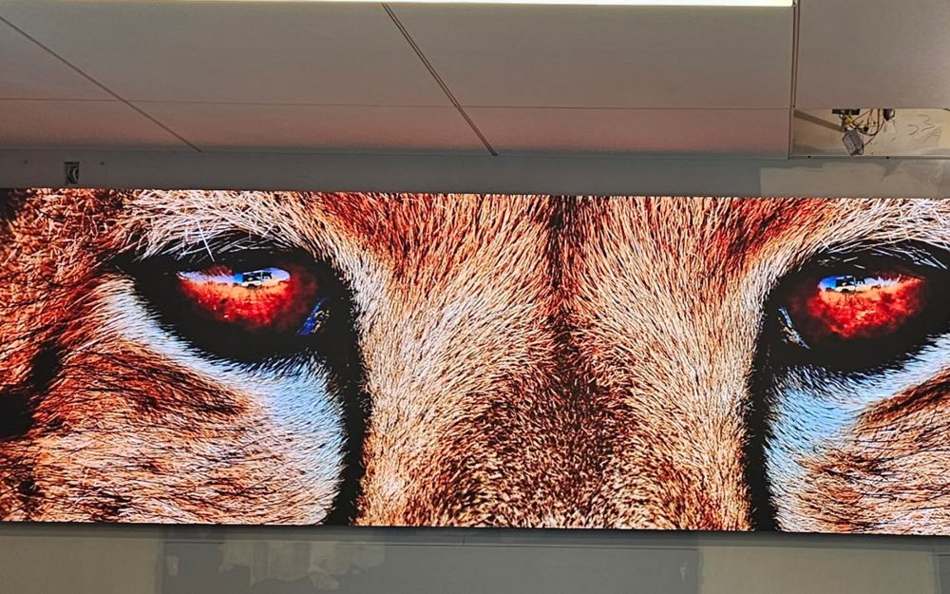
The image is the part everyone notices. Mounting, signal paths, infrastructure and control are what make the installation work.
Go behind the displayExplore video wall systemsA coordinated Logitech Tap Scheduling deployment across multiple rooms.
See the rolloutA documented operations-room scope with source distribution, DSP and touch-panel control.
Explore the systemClassrooms, simulation, control and debrief spaces connected through AV integration.
Explore the capabilities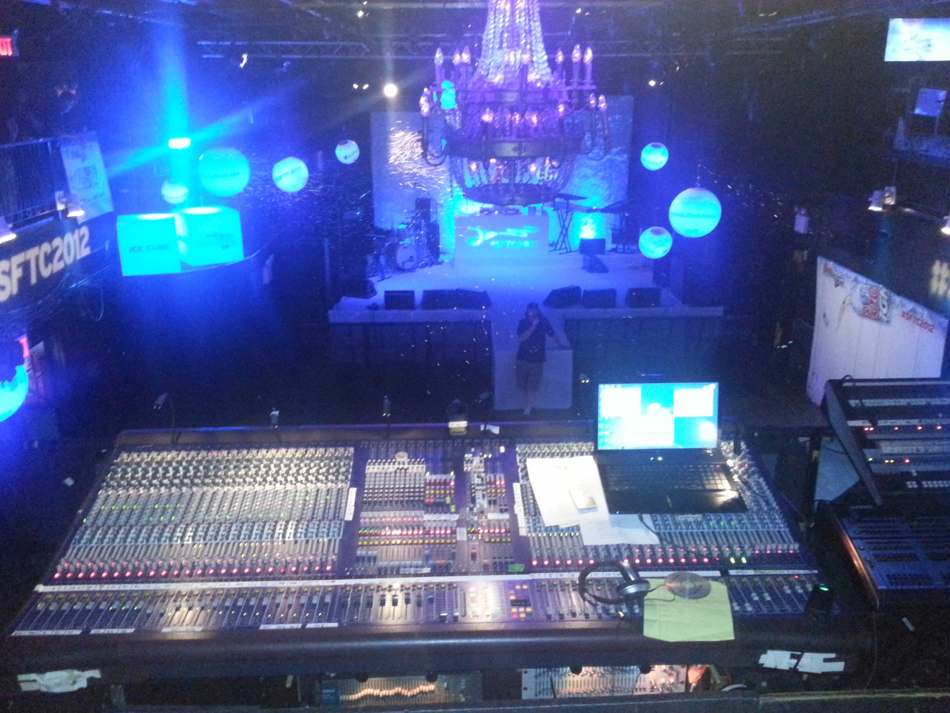
Live sound, visuals, lighting and technical direction. Explore the real events behind GPR’s production experience.
See the event photographyPlan your productionCameras, microphones, displays and controls working as one.
02Large-format visuals, source distribution and everyday control.
03Connected visual environments for information-intensive teams.
04Flexible technology for classrooms, training and simulation.
05Microphones, DSP, speakers and coordinated touch-panel workflows.
06Scheduling panel deployment, programming and room coordination.
Logitech scheduling panels in a documented rollout.
Inside the rolloutLarge-format displays in a documented executive boardroom scope.
Explore the scopeTeams, Zoom, Webex and Google Meet integration capabilities.
Build a better meetingDefine room use, audience, priorities and constraints.
Coordinate equipment, infrastructure and technical requirements.
Install, connect and program the approved system.
Test the intended workflows and document the work.
Help users operate the system and address technical needs.
Conferencing. Displays. Audio. Control. Explore the technologies that can support your project.
Tell us what you’re planning. We’ll start with the room, the audience and the requirements.